azure, HTML, Web

Step-by-Step Guide to Deploy Azure Static Web Apps

Enjoy this post of me bringing myself back into some of the basics to better help me keep my solutions architecture reflex fresh (ha)!

Use Case: I need a static page to host a logout page when users leave the SSO experience to land them to a custom-tailored page where I can provide the right guidance and support language related to the app.

So, where to begin?

First, here are some prerequisites to success:

Next, let’s pull down from a basic starter code kit to save some time on creating it from scratch:

https://github.com/new?template_name=vanilla-basic&template_owner=staticwebdev
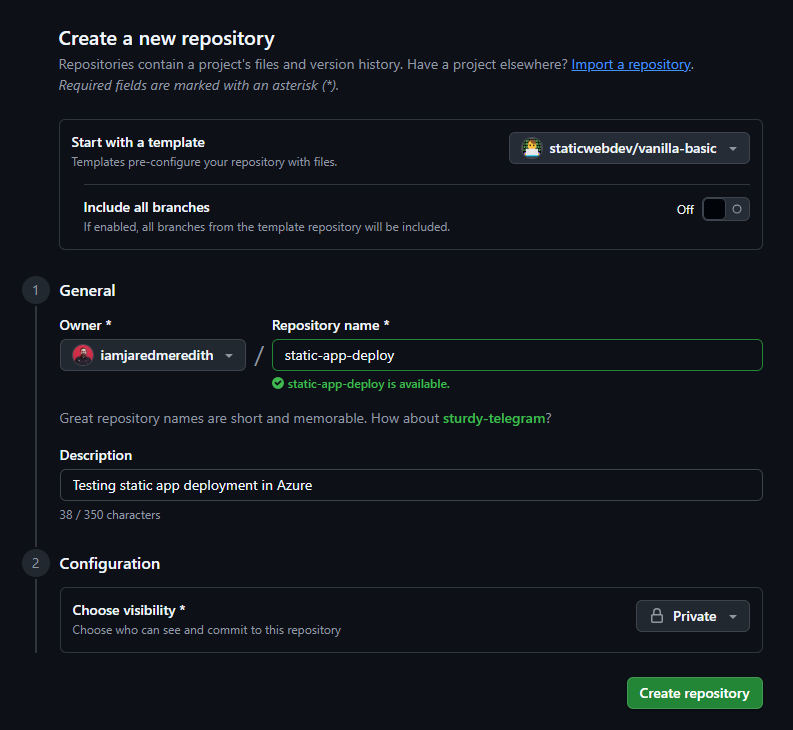
And boom, just like that a repo with stuff:

But what to do now? Well so far we now have code, but still need a destination and a means to deploy it.

For a destination let’s go onward to Azure:

  • Go to the Azure portal and sign-in
  • Select Create a Resource.
  • Search for Static Web Apps.
  • Select Static Web Apps.
  • Select Create.

In the Basics section, begin by configuring your new app and linking it to a GitHub repository.

SettingValue
SubscriptionSelect your Azure subscription.
Resource GroupSelect the Create new link, and enter rg-static-app-deploy in the textbox.
NameEnter static-app-deploy in the textbox.
Plan typeSelect Free.
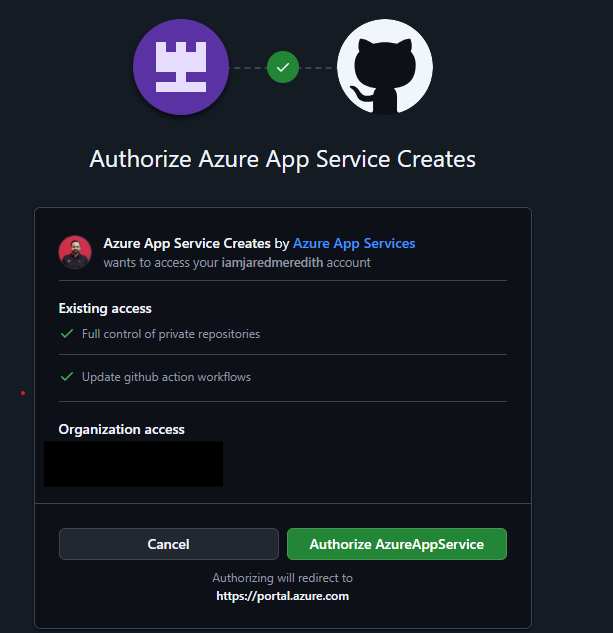
SourceSelect GitHub and sign in to GitHub if necessary.

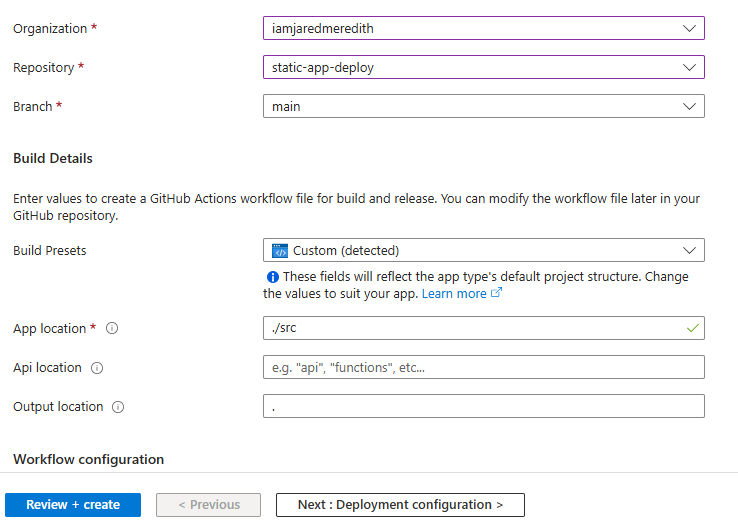
If necessary, sign in with GitHub, and enter the following repository information.

SettingValue
OrganizationSelect (your organization).
RepositorySelect (your repo name).
BranchSelect (your branch e.g. main).

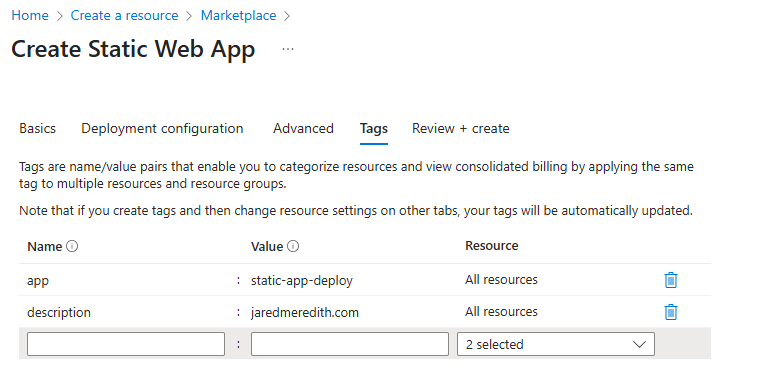
Once you have completed the wizard then you should see a successful creation of your resource to deploy to. (there are CLI references for those who prefer that below).

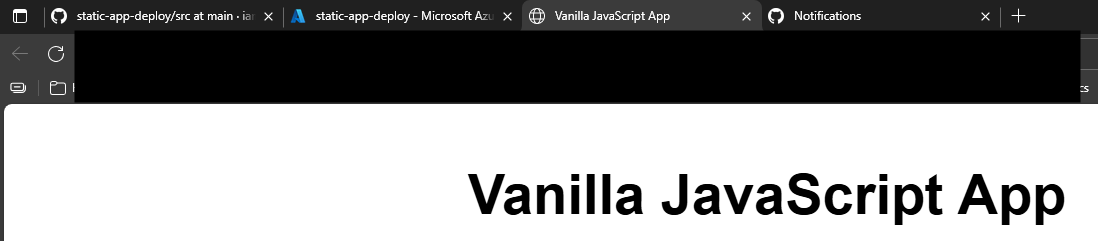
Your URL from the vanilla template should be live!
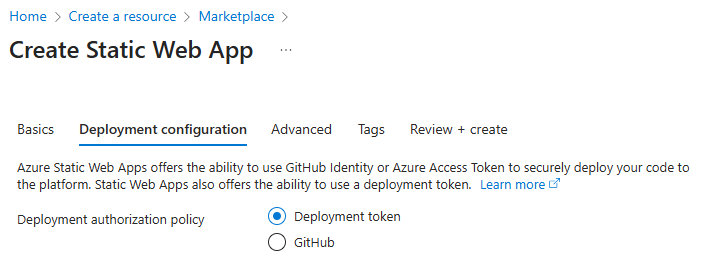
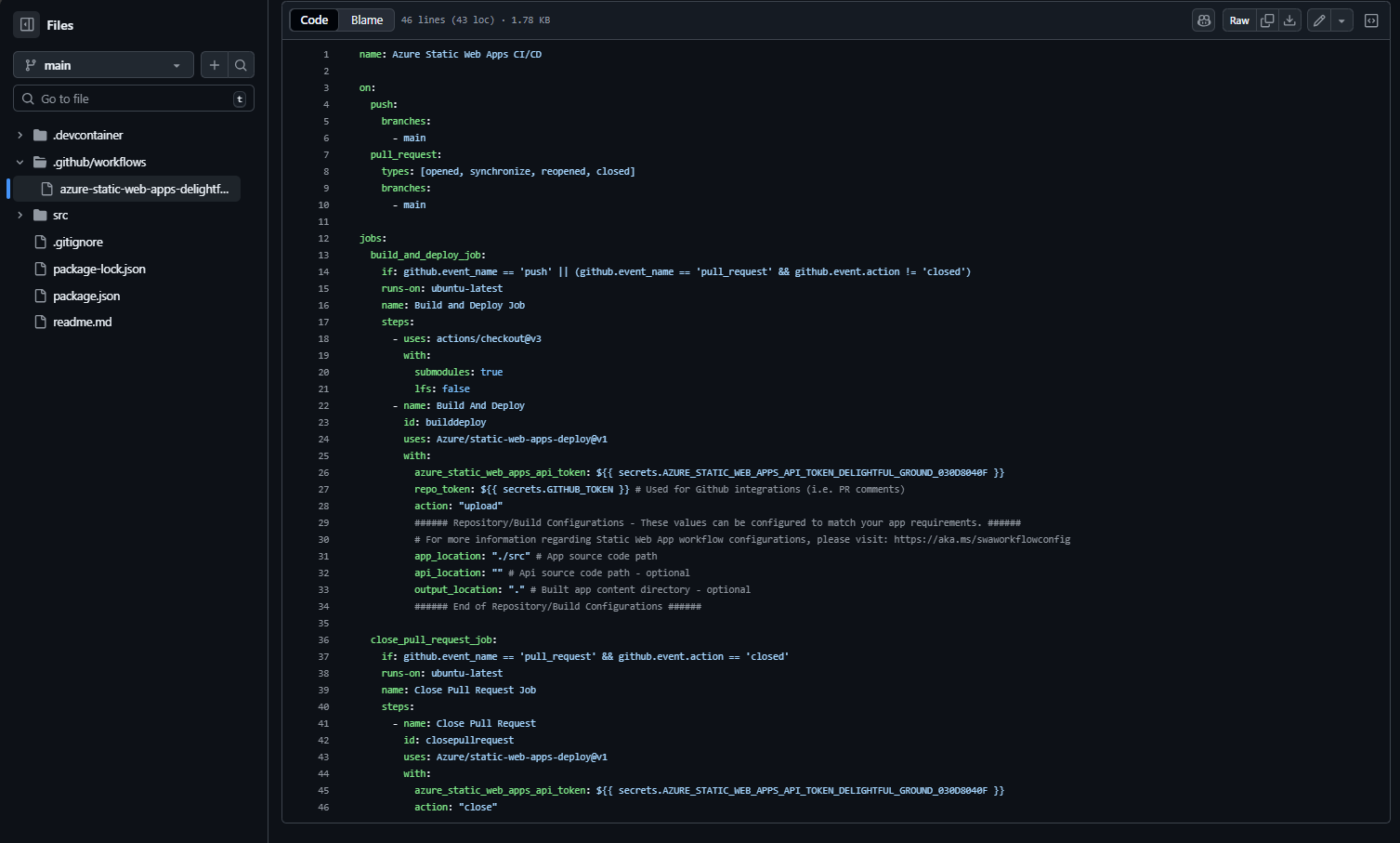
Within Github you can inspect the yaml that drove the deployment action (depending on what you pick for your token and deployment configuration this will vary):
You can also see where the secret is managed within Settings > Secrets and Variables > Actions:

Some extra credit -> want to add a custom domain to it?

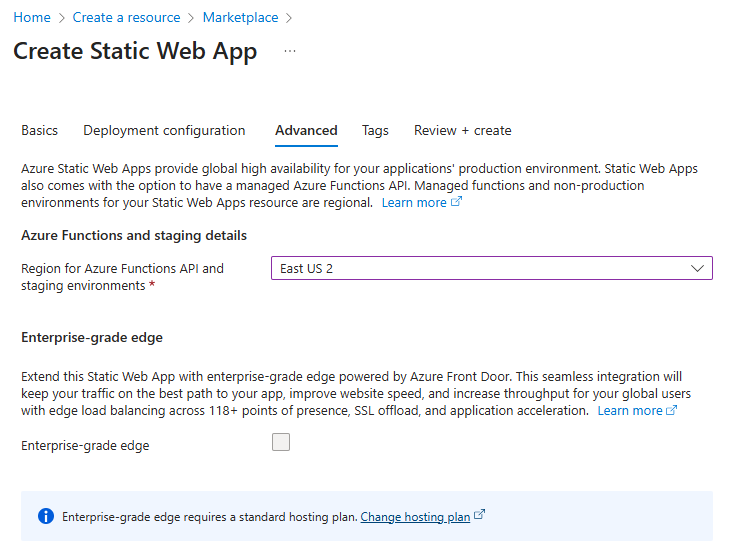
Additional extra credit -> you can also have the app be front-ended with Azure Front Door.

Finally, if you’re not going to continue to use this application, you can delete the Azure Static Web Apps instance through the following steps:

  1. Open the Azure portal.
  2. Search for static-app-deploy from the top search bar.
  3. Select the app name.
  4. Select Delete.
  5. Select Yes to confirm the delete action (this action may take a few moments to complete).

References:

EA

Optimizing Enterprise Architecture Initiatives: Partnering Model and Essential Stages

In the ever-evolving landscape of enterprise architecture, the journey from discovery to implementation is a complex yet rewarding process. Through this process there are critical phases of this journey, with every portion focused in how you partner with your teams. Join me as we navigate through these essential stages, offering insights and best practices to ensure your enterprise architecture initiatives thrive.

The Discovery Phase is crucial for understanding the key people involved, their goals, and the challenges ahead. This phase involves identifying strategic priorities to support business outcomes and envisioning the ideal future state without limitations. It also includes planning timelines, understanding deliverables, and ensuring that teams are well-coordinated. By addressing these aspects, we can proactively evaluate and review our progress, tailoring our vision to meet reality while supporting ongoing needs.

During the Initial Architecture Reviews, the focus shifts to designing and presenting the architecture. This involves documenting the current state, defining technical requirements for the future state, and accounting for any third-party dependencies. The design must comply with architectural standards and be pre-aligned with build teams. Once the design is ready, it is presented to the architecture review board and stored for long-term use. The iterative review process includes listening to feedback, learning from ongoing changes, and improving processes to accelerate compliant development. This ensures that documentation and education are effectively conveyed to support teams and stakeholders.

Last but not least, the Iterative Architecture Reviews emphasizes continuous improvement and adaptation. It involves regularly assessing how well the processes are working and identifying areas for enhancement. By staying informed about ongoing movements and changes, teams can plan ahead and allocate time for understanding new upcoming work. This phase also focuses on conveying documentation and education effectively, ensuring that everyone involved is well-informed and capable of contributing to the enterprise architecture’s success.

Let’s now take a deeper dive in how the partnering model comes together with each of these phases:

Enterprise Architecture Partnering Model

As seen above the partnering model doesn’t end once an architecture is drawn; if anything it only continues to iterate over time. To show this better, here’s a full breakdown of each phase of the partnering model with key questions that should be understood at each part:

Understanding (Part of Discovery)

  • Who are the key people to work with? ​
  • What are their goals? their team goals? ​
  • What are the challenges ahead? ​
  • What do we not know yet that will help us understand? ​
  • How can we help support the ongoing needs? ​

Visioning (Part of Discovery)

  • What are the strategic priorities to support business outcomes? ​
  • What is the north star? What is the ideal future state with no limitations? ​
  • How are we aiming towards the dream state over 1 year? 3 years? 5 years? ​
  • What can we do to be proactive in evaluation and review? ​
  • How can we tailor the dream to meet reality? ​

Planning (Part of Discovery)

  • Do we have a timeline and understanding of the deliverables? ​
  • When and how are the teams meeting? ​
  • How can we get plugged into the ongoing conversations? ​
  • Have we planned enough time to evaluate and design the architecture? ​
  • Who is involved to help manage the gates through the project lifecycle? ​

Designing (Part of Initial Architecture Reviews)

  • Do we have an understood and documented current state? ​
  • Do we have technical requirements to support the future state? ​
  • Are there 3rd party external dependencies to account for? ​
  • Does the design accommodate to architectural design standards?​
  • Have the designs be pre-aligned with build teams prior to architecture review? ​

Presenting (Part of Initial Architecture Reviews)

  • Does the diagram comply with architectural design standards? ​
  • Has the diagram been presented to architecture review board? ​
  • Has the diagram been stored for long-term use with support teams? ​
  • Has the status of the review been communicated to the project/program teams? ​
  • Have we validated the design with any 3rd party external support? ​

Listening (Part of Iterative Architecture Reviews and Discovery)

  • How are we doing? What can be shared about what could be better? ​
  • Where can we learn of ongoing movement or changes? ​
  • How can we improve any processes or standards to accelerate compliant development? ​
  • How can we plan ahead to make time for building understanding of new upcoming work? ​
  • How are we conveying documentation and education to others that they may learn more about EA? ​

As you work to develop your EA partnerships I know that you’ll see these themes as you go along. I hope this has been helpful, happy architecting!